

Set Up Your SafraSIM
Scan, tap and you're live. Follow the steps for your device and connect in minutes — no store, no plastic SIM.
Check compatibility
Dial *#06# on your phone — if an EID number appears, your device supports eSIM and is ready to go.
All steps
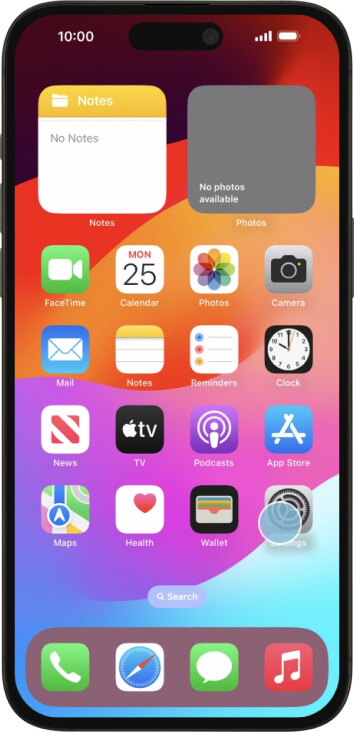
Step 1 of 8
Open the Settings app on your iPhone.
Ready to get connected?
Grab a data plan and your eSIM lands in your inbox, ready to scan.